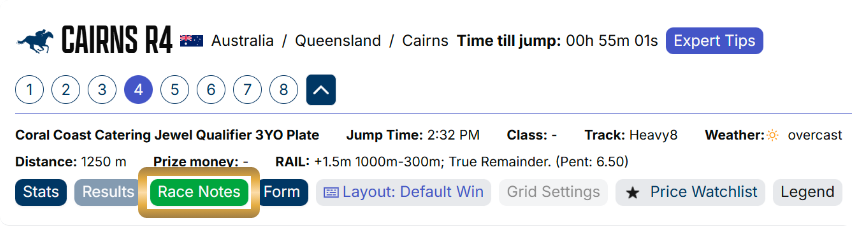

SmartOdds offers a variety of utility functions to help you capture and organise thoughts to help you make the best bets. This guide shows you how to use the Race Notes feature.
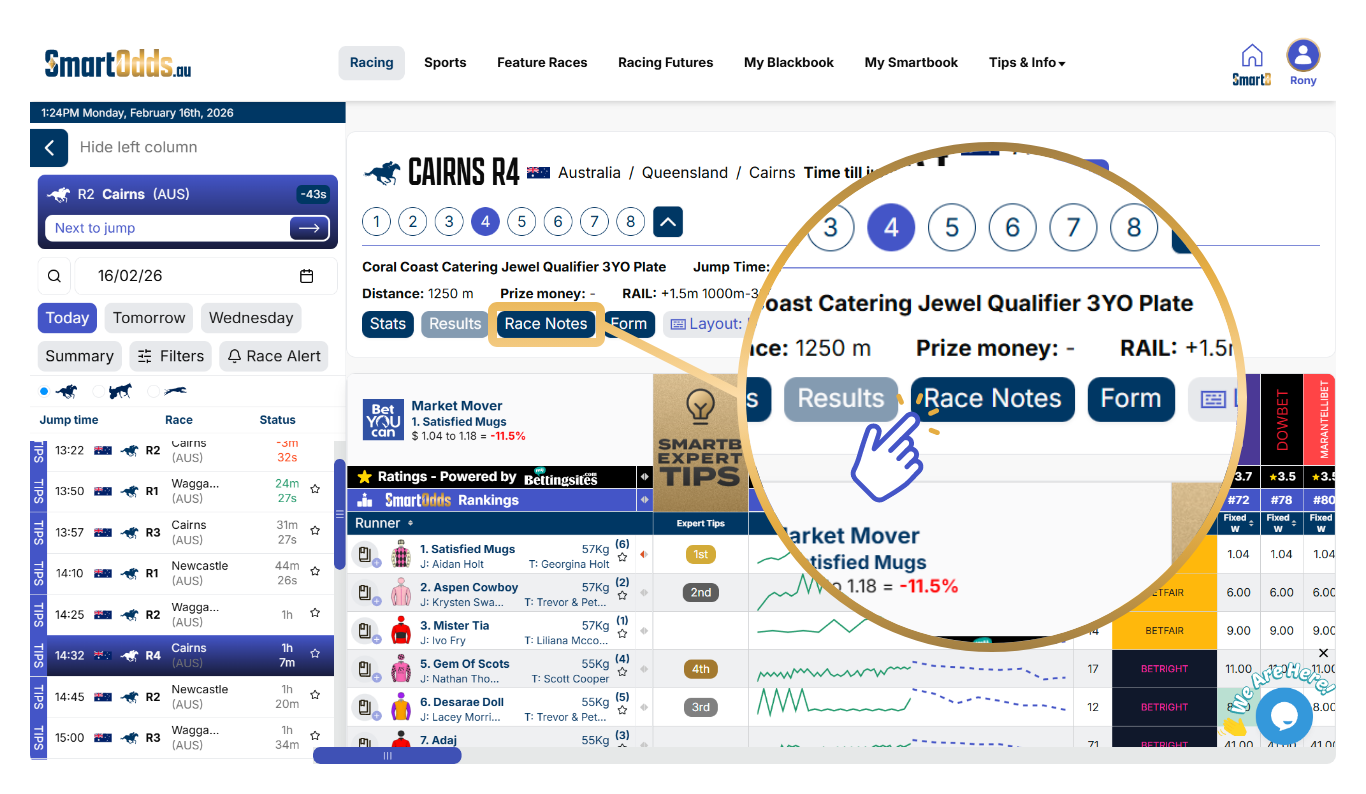
The Race Notes feature can be used on any race. To make a note:
- Navigate to any race in the left column
- Click ‘Race Notes’ in the race navigation section
- Enter your notes in the text field
- Click ‘Save’
The Race Notes button will turn green to indicate the presence of a note.