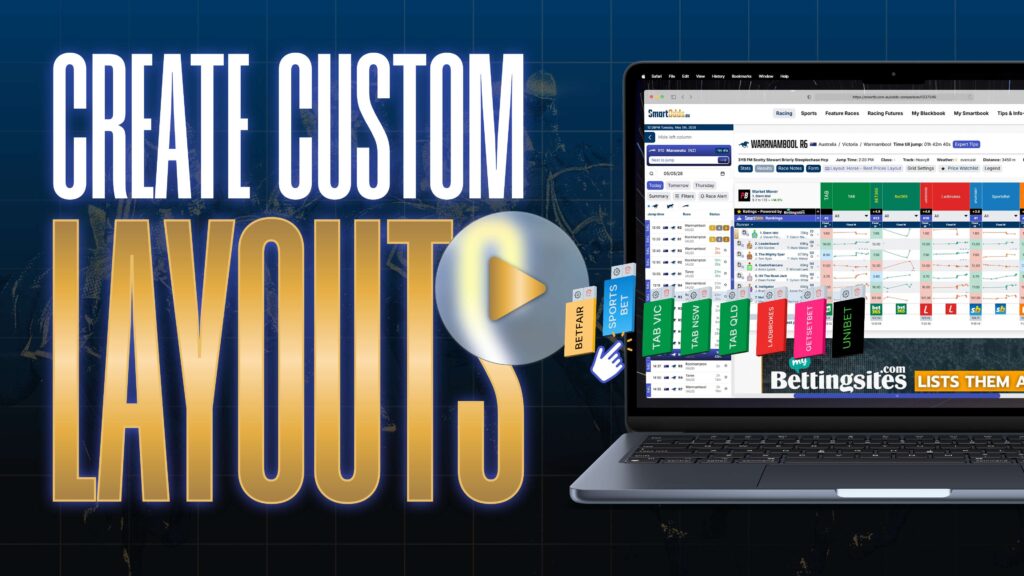

SmartOdds offers a robust customisation features to help you create multiple layouts comparing your choice of odds, totes and flucs.
SmartOdds offers five custom layout slots which have a variety of benefits like:
- Relevance – filtering out bookmakers you don’t use or have access to
- Focus on specific events – you may want different sets of bookmakers sets for different markets e.g. one set for horse racing, one set for greyhound racing etc.
- Professional use – you may want a layout for best prices, one for fast movers, one for liquidity etc.
To edit a layout:
- Click the ‘Layout’ button
- Select a layout to edit, and click ‘Edit’
- Click the ‘+ Add Columns’ button
- Add your desired odds
- Click ‘Save Layout’
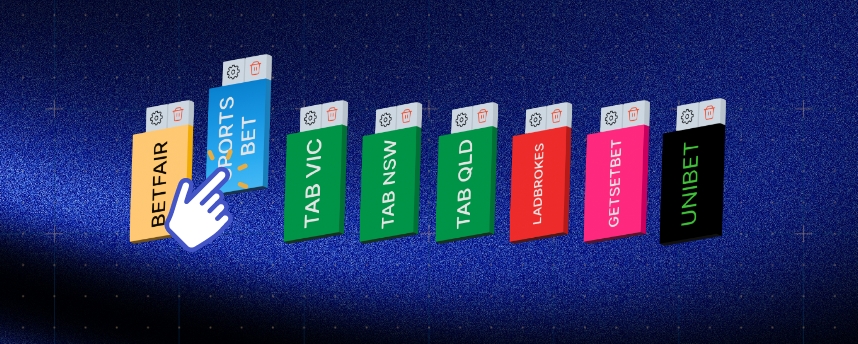
You can remove bookmakers by clicking the trash button above the bookmaker logo.
To rename a layout:
- Click the ‘Layout’ button
- Click a layout to rename, and click ‘Rename’
- Enter the new name in the text field
- Click ‘Save’