SmartOdds offers a variety of data & insights to help you make the best bets. This guide shows you how to access runner forms.
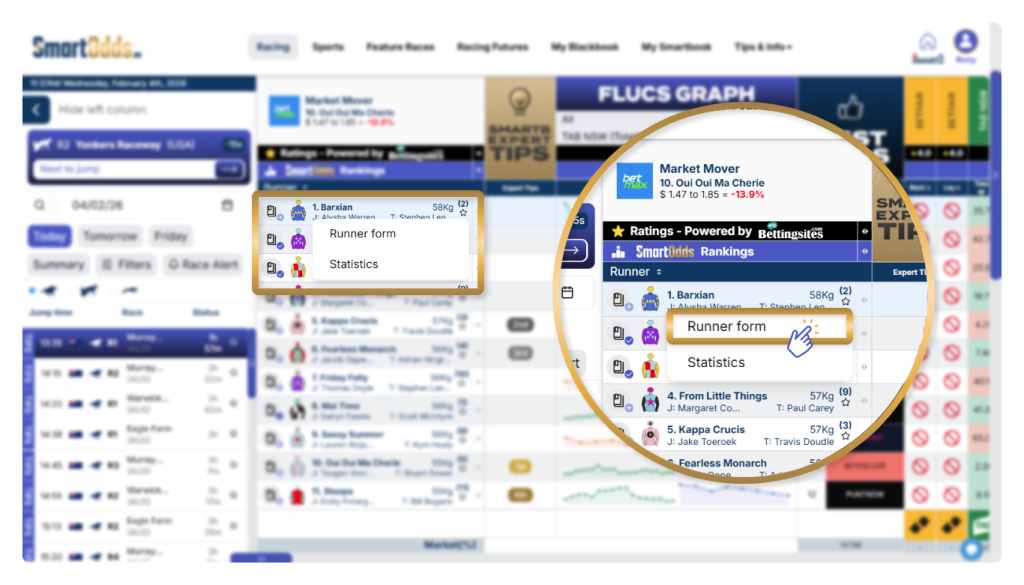
- Navigate to any race in the left column
- Hover over any runner
- Click ‘Runner form’ in the hover overlay


SmartOdds offers a variety of data & insights to help you make the best bets. This guide shows you how to access runner forms.
Tell us what you need support with, and we’ll find the best solution for you.
We’re here to help. Drop us a message using the form below and we’ll be in touch.